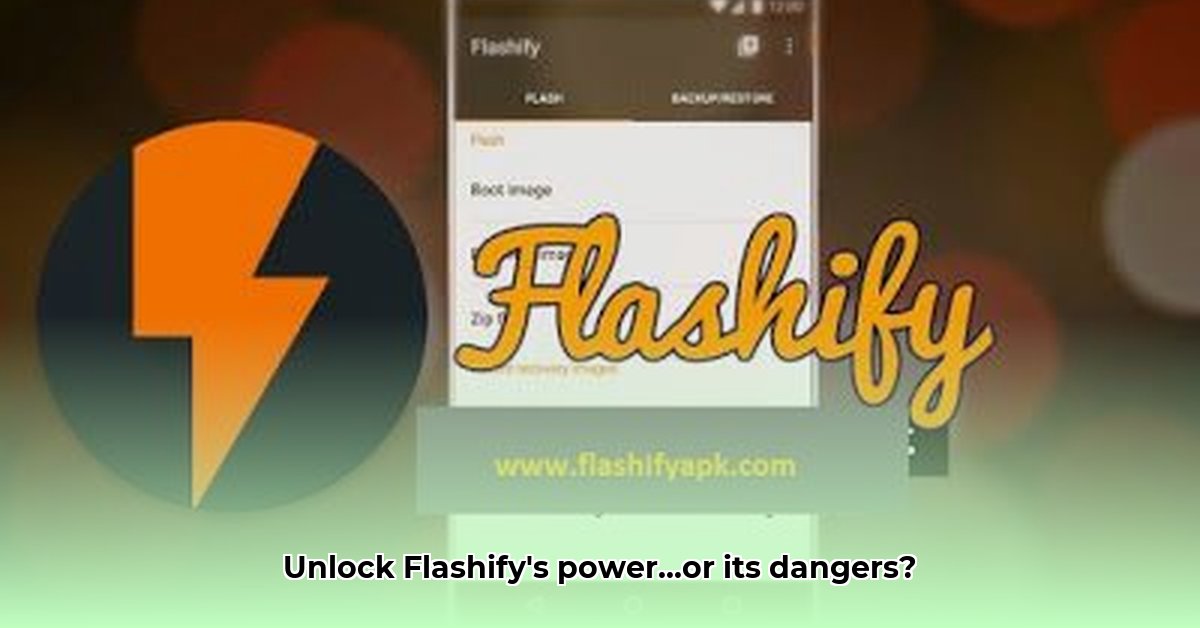
Want to customize your Android phone's operating system? Flashify APK offers a seemingly simple way to flash boot images, recovery images, and ZIP files, boasting over a million downloads. However, this powerful tool comes with significant security risks. This review provides a complete guide to Flashify's functionality, a detailed security analysis, and safer alternatives. We'll help you understand the potential dangers and make informed decisions.
Flashify APK: Functionality and Usage
Flashify acts as a user-friendly interface for managing and applying system-level changes to your Android device. It simplifies the complex process of flashing critical system files, offering a seemingly straightforward method for advanced users. However, this convenience comes at a cost.
Key Features:
Flashing System Files: Flashify allows you to flash boot images (controlling the startup process), recovery images (used for system repairs and advanced modifications), and ZIP files containing various customizations. This allows for significant personalization, but also introduces considerable risk.
Backup and Restore: Before making any changes, Flashify enables backups of your current system settings, providing a safety net in case of errors. This is a crucial feature, but doesn't eliminate all risks.
Partition Wiping: It offers the ability to wipe cache, data, and Dalvik cache partitions, useful for troubleshooting and clean installations.
Dropbox Integration: For added security (although not a substitute for careful usage), Flashify provides cloud backup via Dropbox.
Step-by-Step Guide:
Warning: Using Flashify requires root access, granting the app extensive control over your device—a significant security vulnerability.
- Download and Install: Obtain Flashify from a reputable source. Avoid unofficial websites.
- Root Access Verification: Ensure your device is rooted. This process itself carries risks.
- Permission Review: Carefully review all permissions requested by the app. Anything that seems unnecessary should raise concerns.
- File Selection: Select the correct boot image, recovery image, or ZIP file. Double-check compatibility.
- Flashing Process: Follow the on-screen instructions precisely. Interruptions can lead to system instability or damage.
- Reboot: Your device will likely reboot after the flashing process.
Security Risks and Vulnerabilities
Flashify's core functionality relies on root access, making it a high-risk application. A compromised app could gain complete control of your phone, potentially leading to data theft, unauthorized tracking, or even bricking your device.
Root Access: This grants Flashify administrator-level privileges, making it a prime target for malicious actors. A compromised Flashify – even if just an older version – can have sweeping effects.
Extensive Permissions: Flashify requests numerous permissions, potentially including access to sensitive user data and files. This broad access is a significant security concern.
Lack of Updates: Flashify has not been updated in years. This leaves it vulnerable to known security exploits and makes it a less-than-ideal choice compared to more modern alternatives.
Safer Alternatives: Minimizing Risk
Given the inherent risks of Flashify, exploring safer alternatives is strongly recommended. Many custom recovery environments (like TWRP) provide similar functionality with increased security and active maintenance. These solutions often have more robust security protocols and receive regular updates addressing vulnerabilities.
Conclusion: Informed Decision-Making
Flashify APK offers a user-friendly method for flashing Android images. However, its reliance on outdated software and root access introduces significant security risks, potentially leading to data loss, device damage, or full system compromise. Before using Flashify, carefully weigh the convenience against the substantial security concerns. Safer, actively maintained alternatives are readily available and are strongly advised for Android customization. Remember: you are solely responsible for any consequences resulting from using Flashify or similar root-access applications.
Key Takeaways:
- Flashify simplifies Android system modification but requires root access, a significant security risk.
- Root access grants extensive system permissions, potentially exposing your personal data.
- Outdated software increases the likelihood of exploitation.
- Safer, actively maintained alternatives exist.
- Always back up your data before performing any system modifications.
⭐⭐⭐⭐☆ (4.8)
Download via Link 1
Download via Link 2
Last updated: Friday, May 09, 2025